


Teachers are always looking for tools that help students truly see and understand math concepts in action, and for that reason, graphing calculators remain a classroom staple for so many of us. The updated TI-84 Evo graphing calculator from Texas Instruments builds on that tradition with an intuitive, distraction-free design that keeps students focused on learning, not navigating apps or screens.
With features like faster processing, color-coded graphing, and easy-to-use navigation, the TI-84 Evo helps bring everything from algebraic functions to trigonometry to life. Katherine Widrick, a middle and high school math teacher from Virginia, shares how this powerful, student-friendly tool increased engagement, supported deeper understanding of concepts like domain and range, and gave her students hands-on experience with graphing in a meaningful way. Here’s her Teacher Picks review.
For which grade levels and subject areas do you think the TI-84 Evo graphing calculator is best suited?
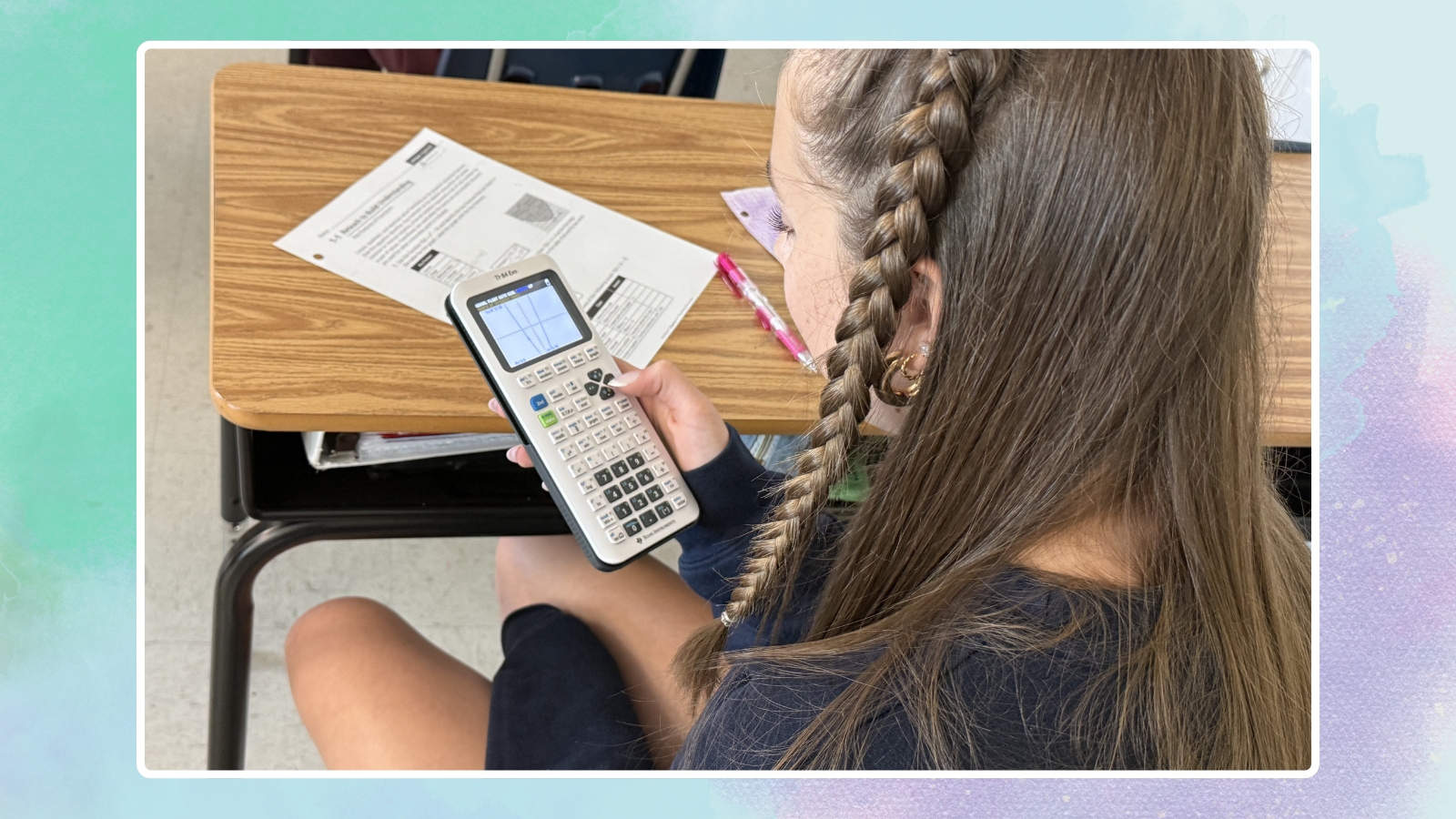
It’s best suited for Algebra 1 and 2, Geometry, Pre-Calculus, Calculus, and beyond into college mathematics. I used a TI-83 in all of my math-major courses. They really are perfect for any middle- or high school-level mathematics classroom.
How did you and your students use the TI-84 Evo calculator in your classes?
I used it to show the domain and range of continuous and asymptotic functions as a prerequisite to teach my Geometry students Algebra 2 content. We used it to look at the graphs of many functions, and showed their domain and range using the graph and table functions.
How did your students react to the calculator?
They LOVED it. Having a hands-on opportunity to learn using these calculators helped a lot of them stay engaged with the material. They had a blast having a handheld graphing calculator and compared the pros and cons of handheld versus the online versions.
How would you sum up your overall experience?
The students were engaged and learned a lot about how to use a handheld graphing calculator. They were beginning to understand how to use the calculators to determine the different domains and ranges of continuous functions. We even started to look at trigonometry functions like vertical and horizontal asymptotes.
How easy were the calculators to use and implement in your classroom?
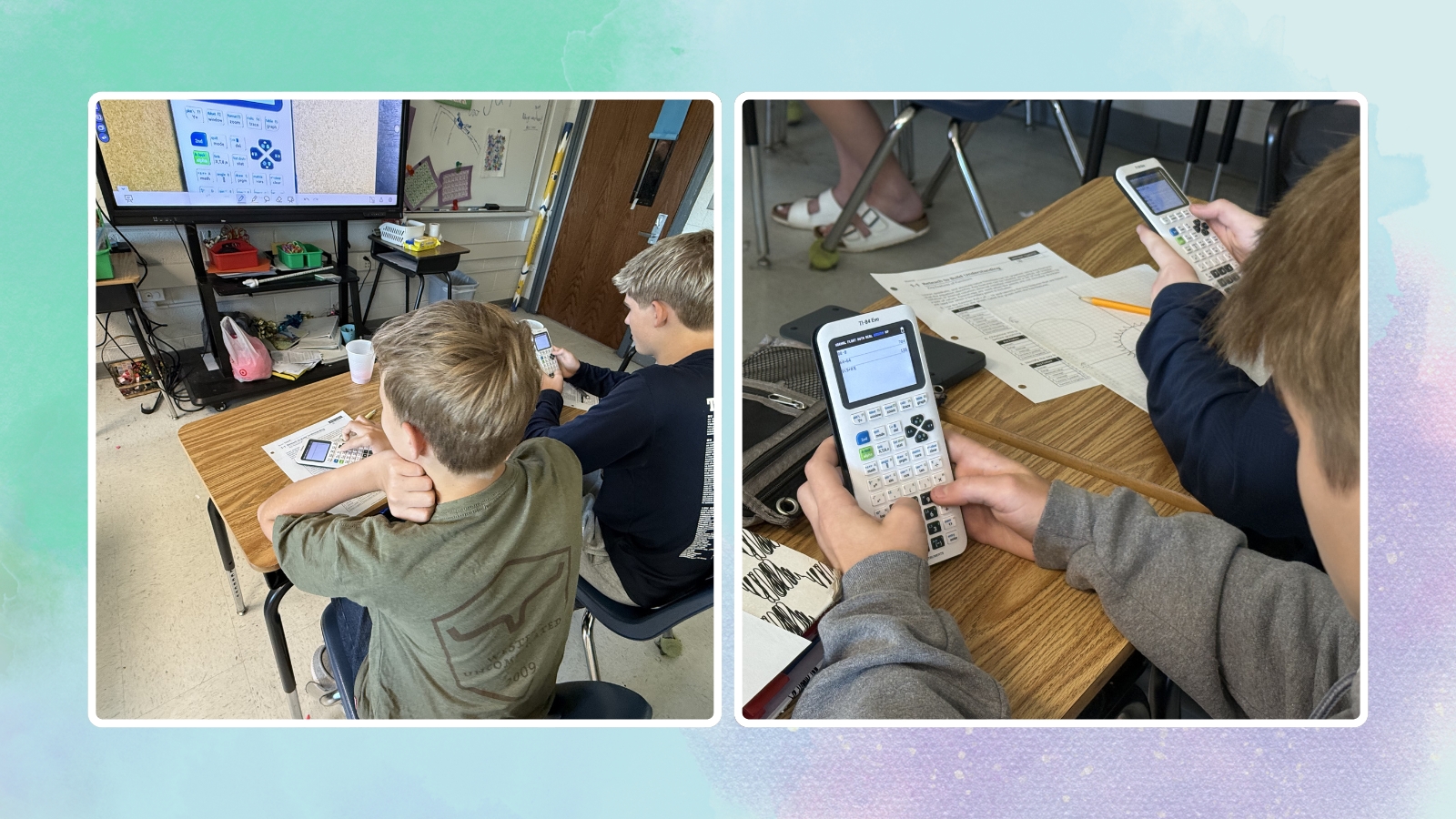
It was so simple! I used to use these in my math career so it was simple for me to teach. My students had never used a handheld graphing calculator before, so they needed to become familiar with the functionality. They stayed focused and caught on quickly.
What were the top two features you liked most about the TI-84 Evo graphing calculator?
I love the different parts of the calculator that allow the students to see the graph and table with increased processor speed, along with the STEM accessories that we can utilize with our STEM club at school. The enhanced processing speed was great to compare multiple graphs at one time. Also—and this may seem like a small thing—there’s a rechargeable battery. That is HUGE.
What makes the TI-84 Evo special or unique compared to other calculators you’ve used?
The icon navigation was easy to use, much easier than the TI-83 I used in the past. The rechargeable battery is awesome too. The color-coding ability on the graph was a huge plus as well. Mine in the past was just black and white. The increased processing speed was a game changer.
How will the TI-84 Evo save you time or make teaching easier?
It is a vastly updated system that has the fastest processing speed I have ever seen in a handheld graphing calculator. The functions are user-friendly and easy to find. Even if something is challenging, there is a user guide and online help system that can get me back on track in no time. If you are trying to minimize students’ use of Chromebooks and screen time, this is the way of the future. We have all seen the studies: Screen time does NOT help our students’ knowledge. Getting a handheld calculator is a great way to move students from screens to knowledge in a quick and effective way.
How do you plan to use the TI-84 Evo in the future?
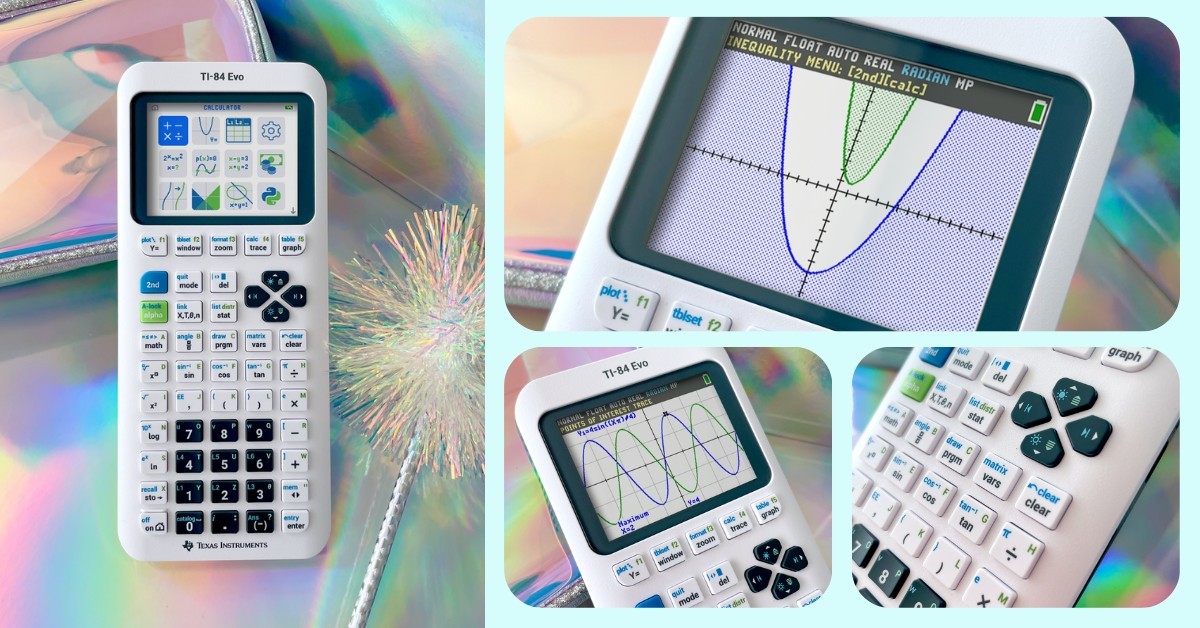
I plan to use TI-84 Evo during our circles unit, triangles unit (specifically right-triangle trigonometry), and when pre-teaching Algebra 2 content. I think it’s beneficial to see these units on a graphing calculator. I may also try using it with my Math 8 students when talking about tip, tax, and discount and utilize the money function keys.
Watch Kat’s video review:

Teacher Picks is a sponsored program available from We Are Teachers. All opinions shared in the review are honest and based on the teacher’s direct experience. To learn more about our guidelines and review process, click here.